Eight allowlisted model modes
Every visible product model maps to a reviewed server-side request adapter; arbitrary provider model IDs are rejected.
Direct a first take from text, images or visual references. Compare Seedance, Kling, Wan, MiniMax H3 and Grok Imagine; the workspace reveals only the controls each model supports and the product credit cost before generation.

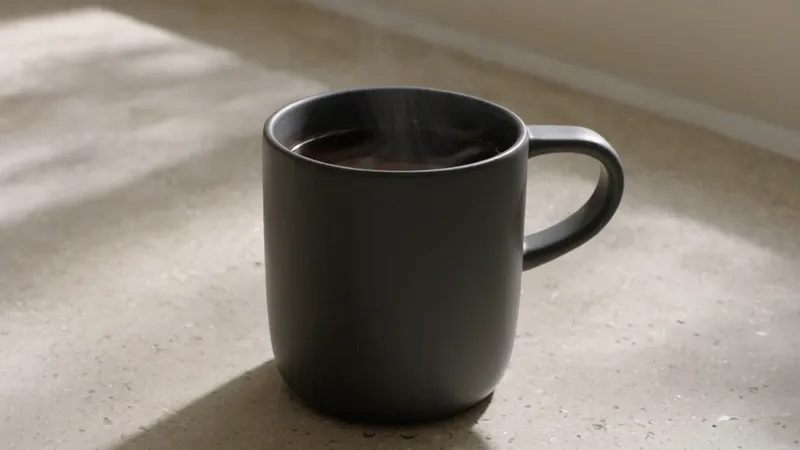
Surface and transformation

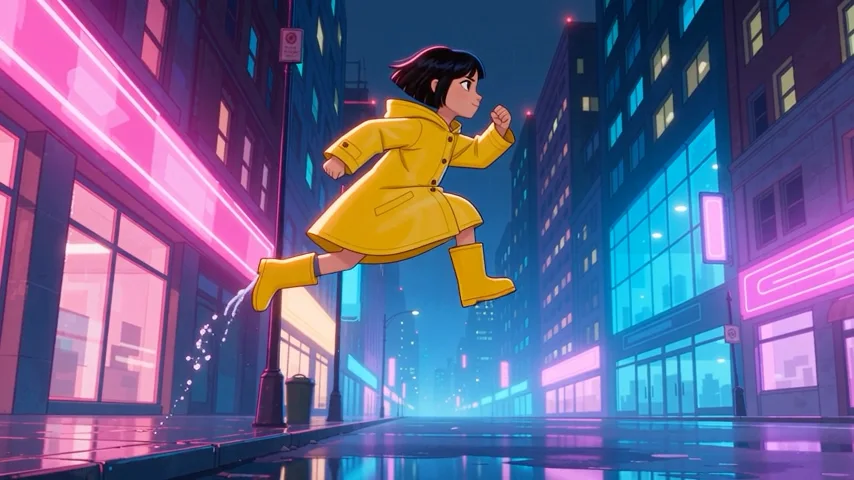
Space and direction
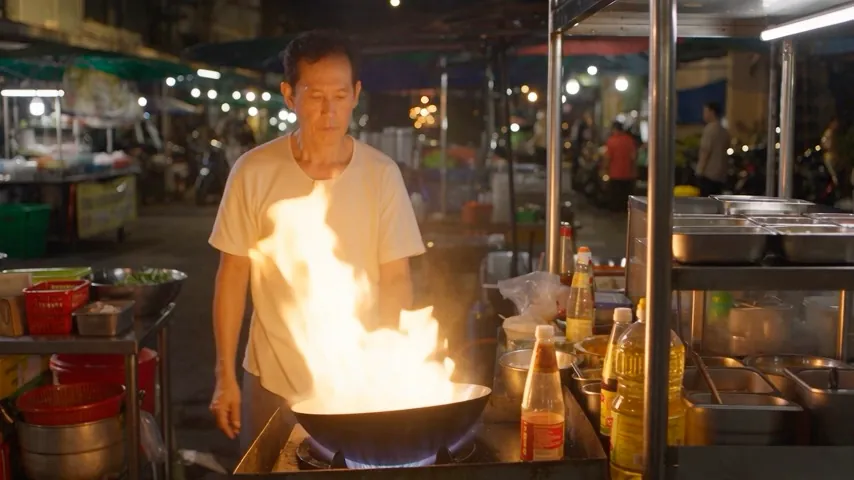
Human motion direction
A decisive silhouette, visible fabric motion and directional light make the action readable before any settings are chosen.
Creative workspace
Select a model, shape the prompt and see the exact product credit cost before signing in.
The action shows the exact product credit charge for this model and these settings. Start at 480p, then move to 720p for a final render.

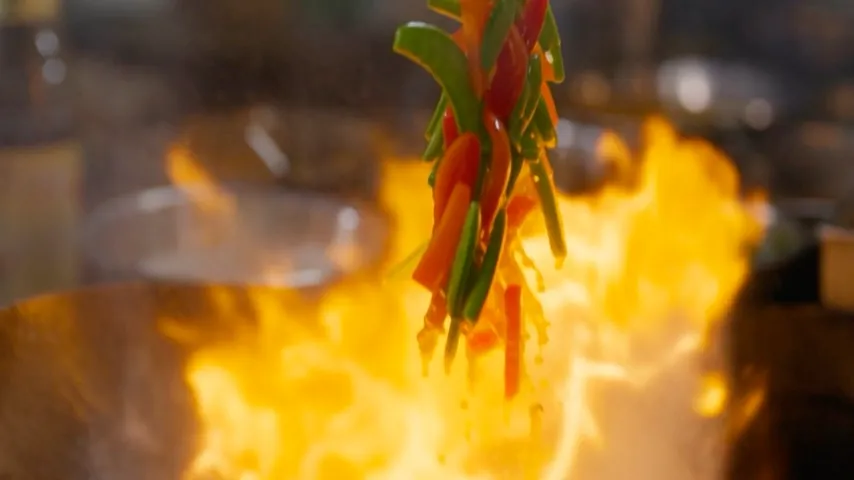
A distinct product-motion reference keeps the monitor useful without repeating the hero or later showcase.
Seedance AI is an independent service using third-party API access. Model names and trademarks belong to their respective owners.
The workspace keeps every decision visible: supported model modes, compatible controls, available output sizes and the product credit charge.
Every visible product model maps to a reviewed server-side request adapter; arbitrary provider model IDs are rejected.
Resolution options change with the selected model. The workspace does not merge upstream claims into one universal capability.
Workflow, aspect ratio, duration, image count and audio controls reconcile whenever the model changes.
The displayed product credit charge is calculated from resolution and duration. Confirmed failed tasks are refunded automatically.
Director's desk · visual studies
Use a clear subject, one camera decision and one continuity risk. These references show how to plan product light, human movement and environmental motion before generation.
Original visual studies created for SeedanceAI.dev. They are direction references for planning prompts and are not presented as output from any listed model.
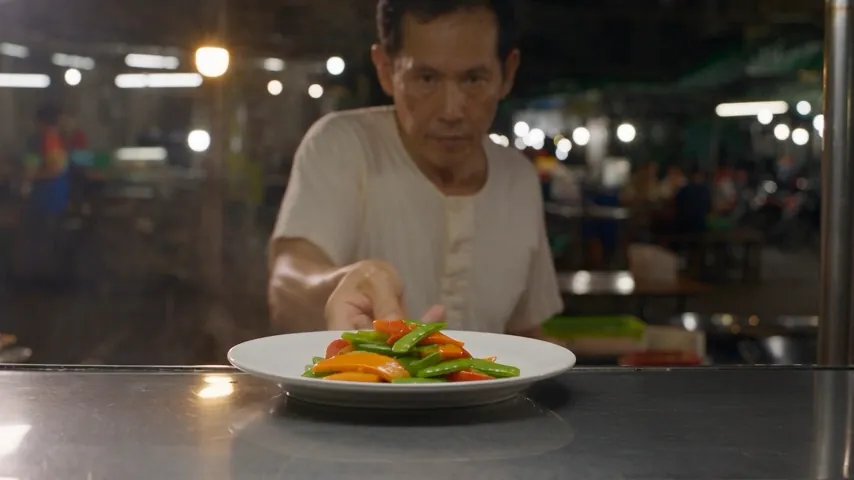
Turn a study into a promptSlow dolly-in. Keep the metal texture and warm practical edge consistent.

Site-made visual reference · not model output
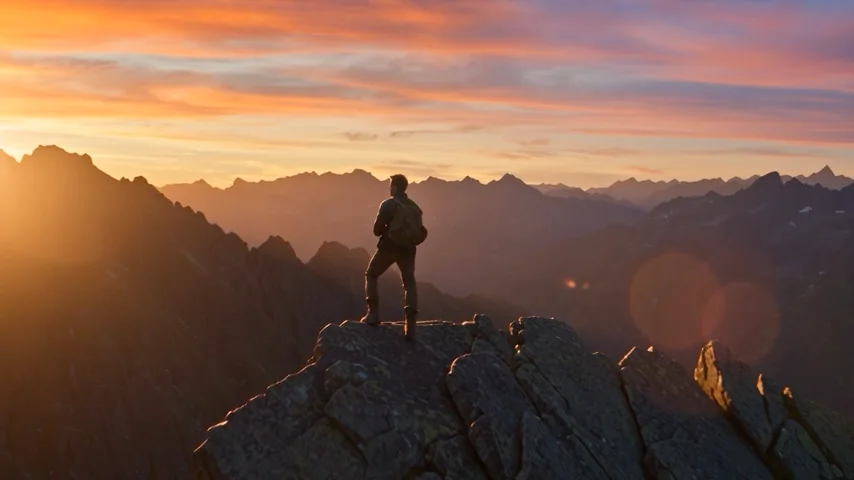
Track laterally. Preserve anatomy, foot contact and the coat’s trailing motion through the light.

Site-made visual reference · not model output
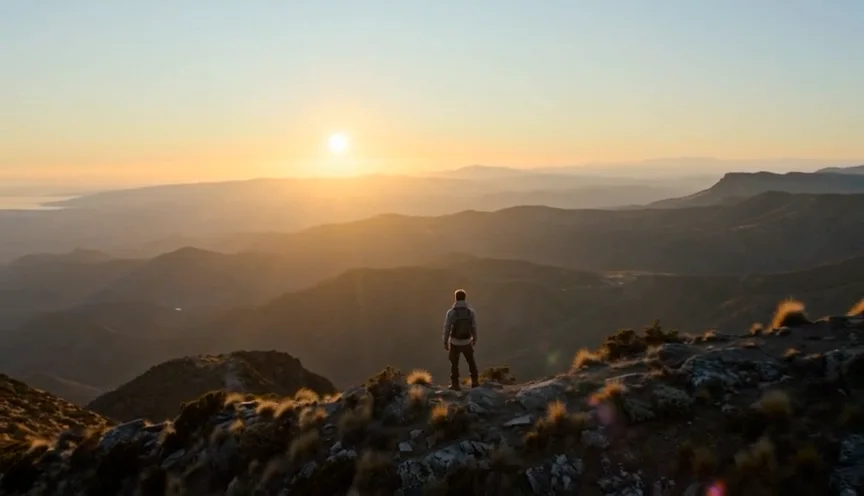
Hold the structure. Let the curtain, cloud and reflections carry the environmental motion.
The model guides document what is available here versus upstream, then open the same generator with the correct model preselected. Choose by shot requirements, not release hype.
Single-shot text or first/last-frame generation with 720p/1080p and optional sound.
Flexible text framing or first/last-frame motion with prompt enhancement and negative direction.
Text or frame-led generation with 768P/2K output and six text-to-video aspect ratios.
Fast text or multi-image experimentation with focused 480p/720p product controls.
Use Seedance 2.5 for new reference-led shots and longer single-shot plans. Keep Seedance 2.0 for established prompt recipes, lower-cost iteration and controlled comparison.
Use it for new prompts, longer single-shot structure, synchronized audio and reference-led work.
Keep it for established prompt recipes, side-by-side tests and searches that specifically ask for the 2.0 workflow.
A useful Seedance prompt states the subject, action, camera, timing and sound. Timecodes make longer shots easier to reason about and revise.
A brushed-metal speaker sits on wet black stone in a quiet studio.
Slow dolly-in as warm practical light catches the product edge.
A hand enters frame, stops beside the control dial; restrained room tone.
A useful shot has a spine
Subject first. Then the move, timing and sound that make the direction legible to the model.
Keep each beat observable. If the action cannot be seen, it is difficult to evaluate or revise.
Start with one practical job, learn from a short generation, then scale the strongest direction. Results still depend on prompt quality, references, model behavior and iteration.
Animate a product frame, test one hook at short duration, then expand the strongest composition.
Explore blocking, camera moves and scene rhythm before committing to a physical shoot or longer render.
Use clean references and restrained camera language for a single concept or process step.
Validate prompt, duration and cost in the workspace before automating the same request pattern.
Answers grounded in the settings and behavior available in the current product.
Yes. The public generator uses configured third-party API access. Seedance requests currently use Kie only; fal is not used as an automatic fallback because its cost is not covered by the published product credit rates. Generation still requires an account, sufficient credits and a configured production API key.
When a starter-credit offer is active, the balance shown in your account can be used in the generator. The exact charge appears before submission; starter credits are limited, not unlimited.
No. The current product launch exposes 480p and 720p. Some model or provider pages discuss higher resolutions, but we do not present those as a capability of this site until the end-to-end product supports and verifies them.
No permanent unlimited promise is made. Each generation has a visible product credit cost based on duration and resolution. See the unlimited-plan explainer for how time windows, queues and fair-use limits usually change the meaning of unlimited.
The task is polled asynchronously. When the provider confirms a failed status, the related product credit transaction is revoked and the credits are returned. Do not start a duplicate task merely because a long render is still queued.
Commercial use depends on your plan, the current provider and model terms, and the rights to your inputs and requested content. Model access does not grant rights to third-party characters, brands, music or likenesses. Review the terms before a commercial release.
No. Seedance AI is an independent service using configured third-party API providers. It is not affiliated with or endorsed by ByteDance, Doubao or Dreamina.
Use 480p and five seconds to validate the prompt before moving to a longer 720p generation.